
Your privacy,
locked tight.
Lock any app with your fingerprint, face or PIN. Instant, always-on protection that never slows your phone down.
Features
Everything you need. Nothing you don't.
Instant Biometric Lock
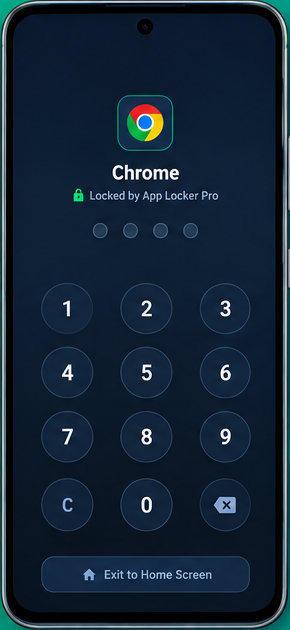
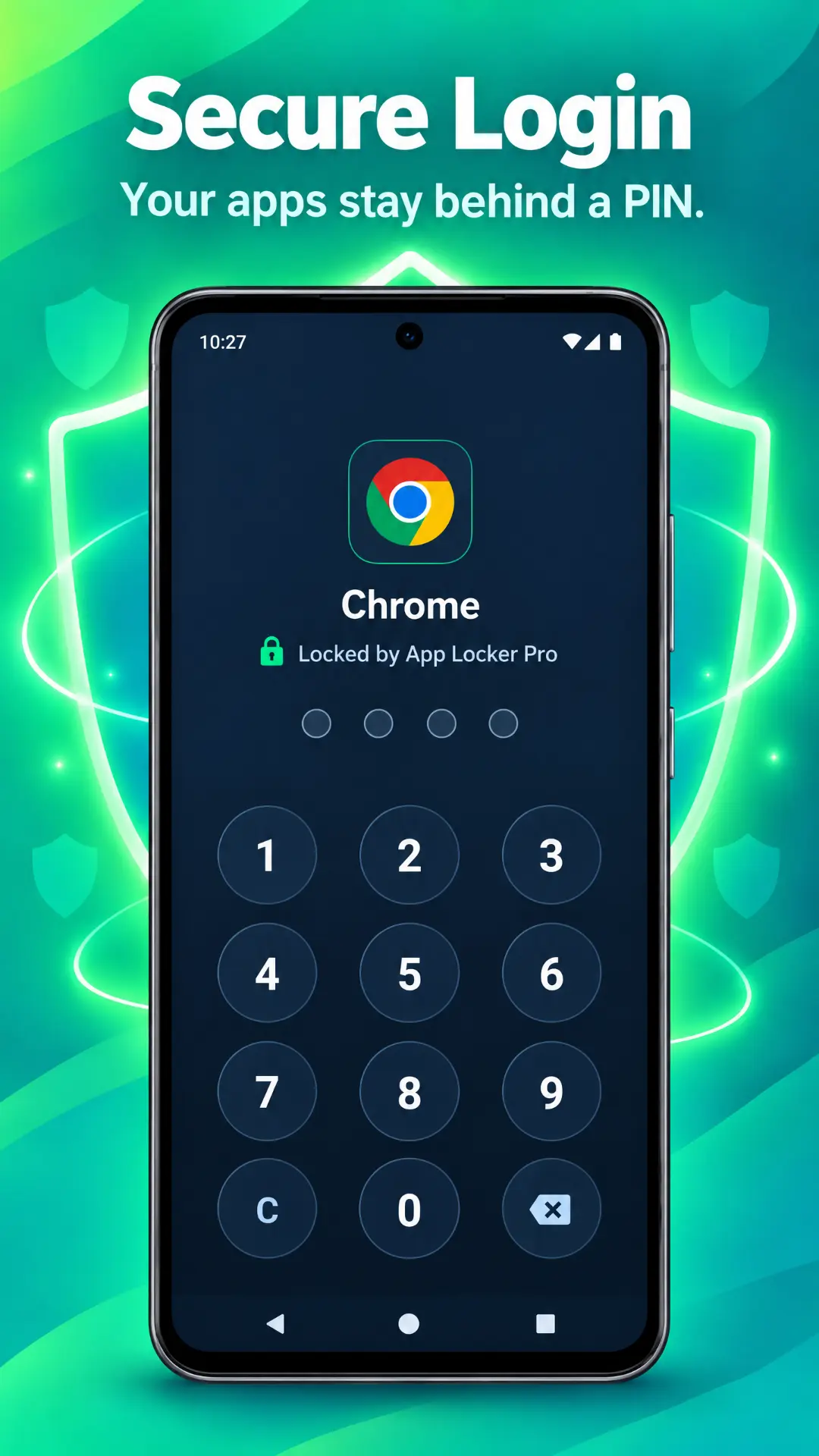
Fingerprint and Face Unlock open your apps in a blink. Fall back to a 4-digit PIN anytime.
Stealth Mode
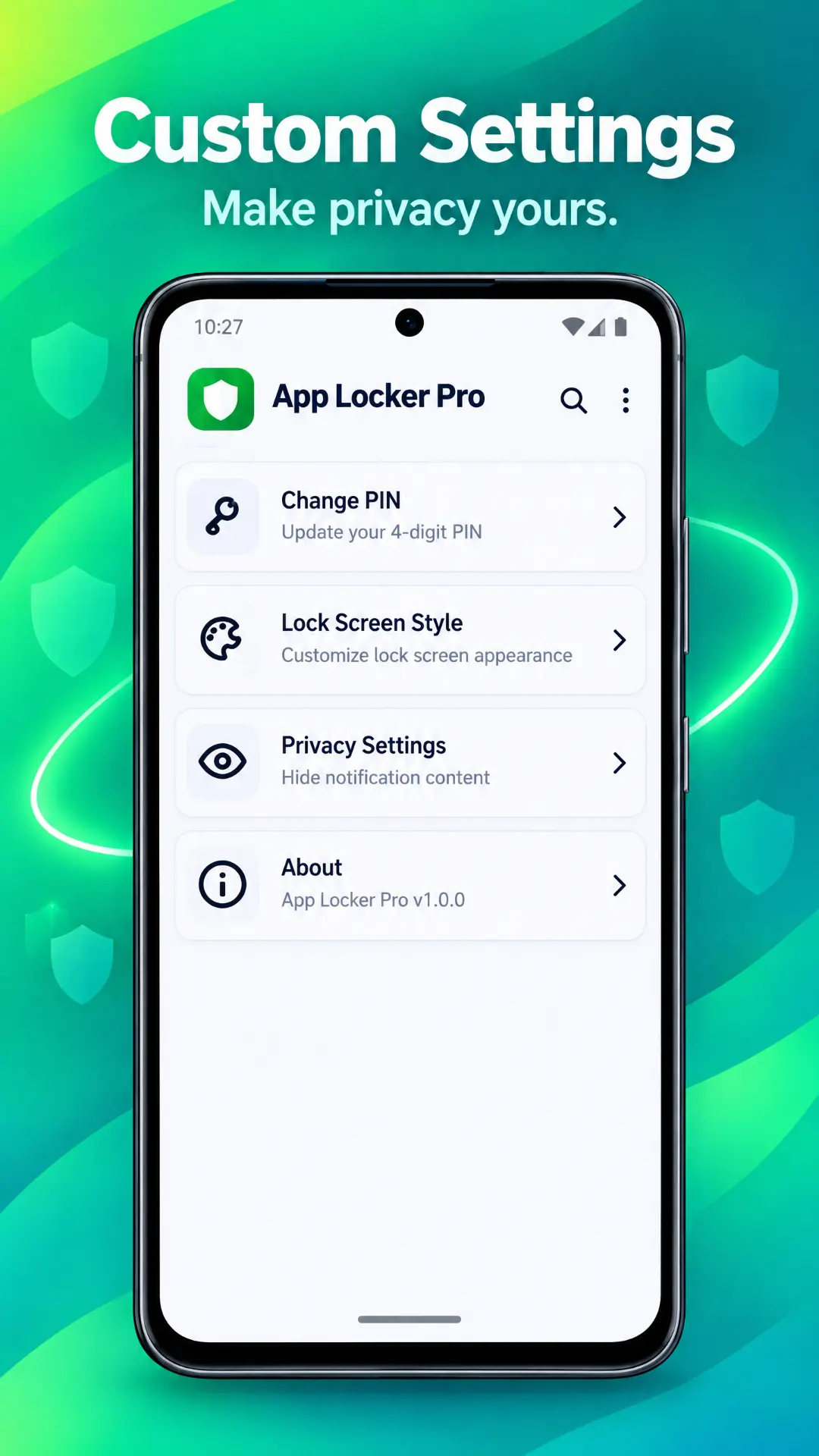
Hide the icon or disguise it as a calculator or clock. Nobody knows it's there.
Advanced Foreground Service
Protection runs continuously in the background, locking target apps the instant they open — no pauses, no lag.
Break-in Alerts
Wrong PIN? The front camera snaps a photo of the intruder so you know who tried.
How it works
Protected in three taps.
- 1
Download & Install
Get App Locker Pro safely from the Google Play Store.
- 2
Choose Your Apps
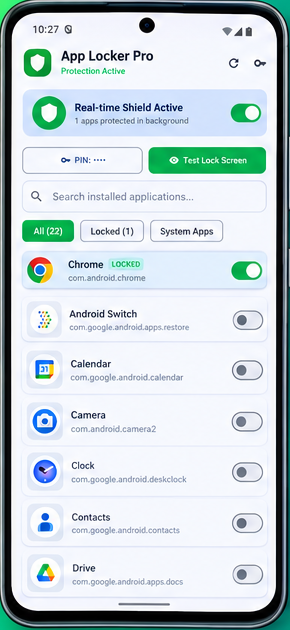
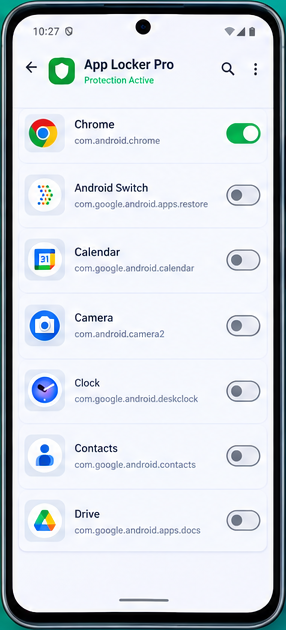
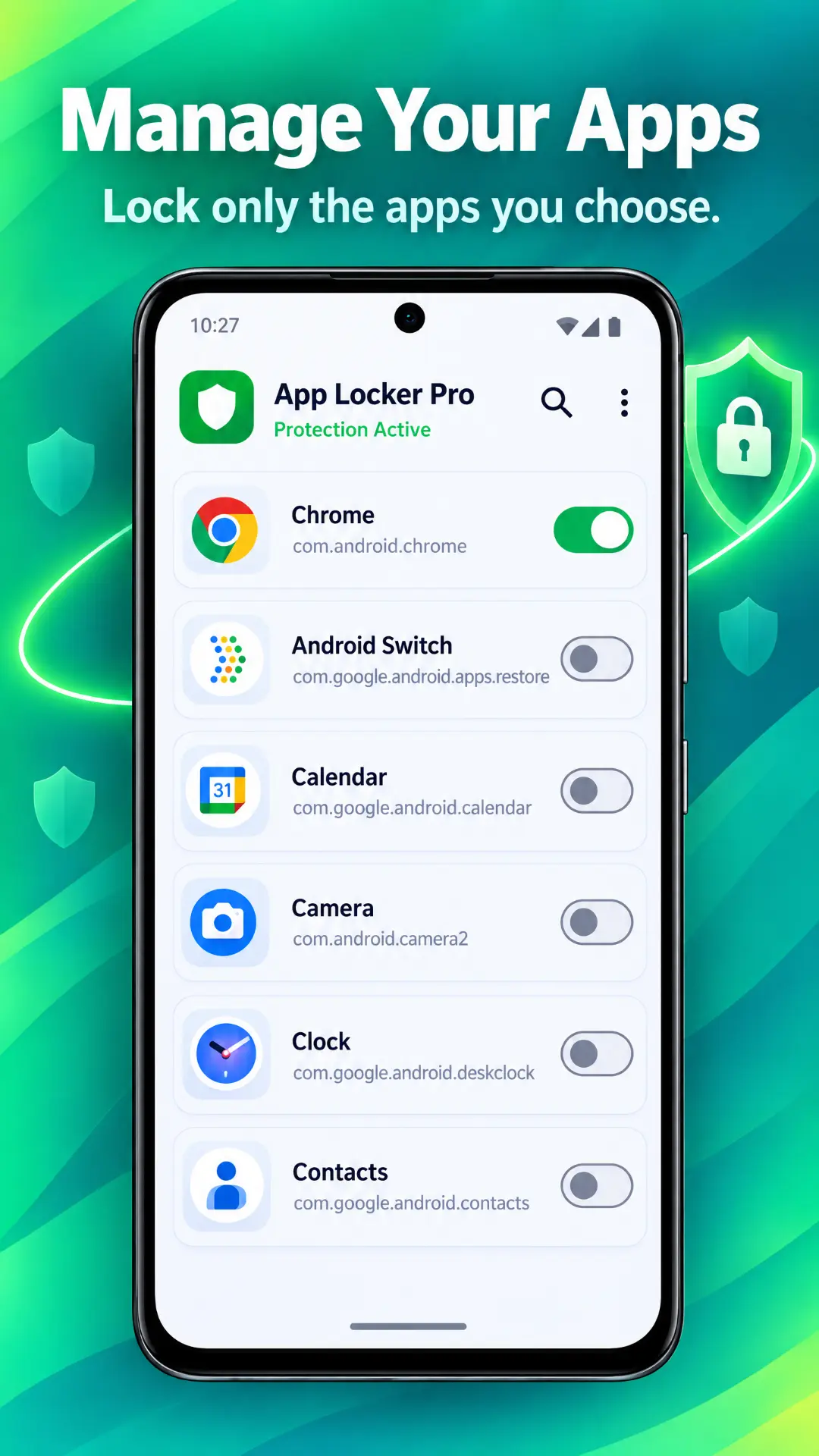
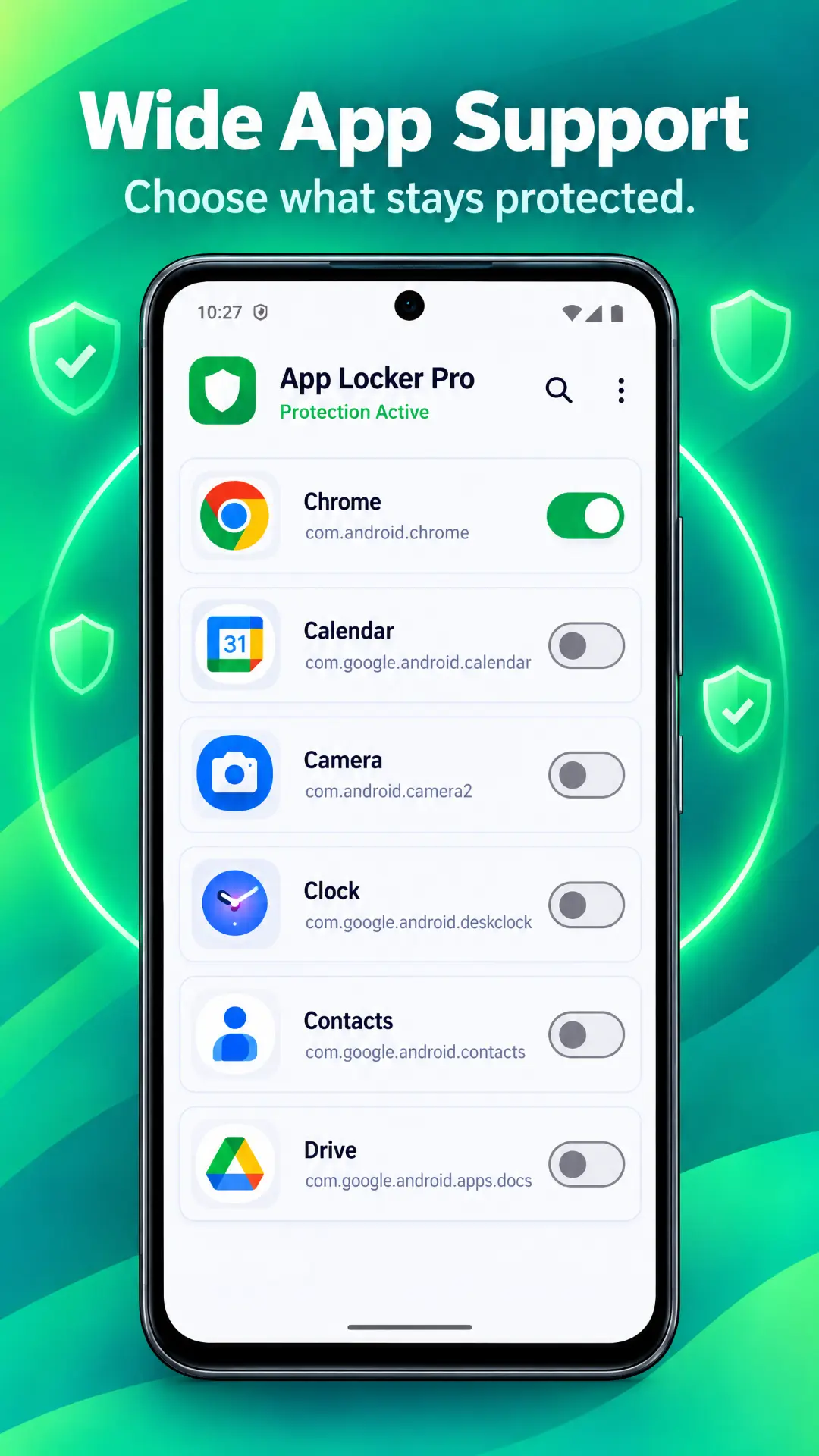
Toggle protection for social, banking or gallery apps with one tap.
- 3
Lock it Down
Enjoy seamless, background-enforced privacy instantly.
Screenshots
See it in action.
Security & permissions
Every permission, explained.
App Locker Pro asks for only what it needs to protect your apps — and everything it processes stays on your phone. Nothing is uploaded, ever.
Usage access
Android requires this so the app can detect when a locked app opens and lock it instantly. It never reads or records what happens inside other apps.
Biometric authentication
Used only to verify your fingerprint or face at unlock. Your biometric data is handled by Android itself and never leaves your device.
Camera
Only for the optional Break-in Alerts feature — it snaps a photo after repeated wrong PIN attempts. Photos stay in your device's local storage.
Foreground service
Keeps locking active and reliable in the background so protection never pauses. It's event-driven, so it barely touches your battery.
Reviews
Loved by privacy-first users.
“Locked my WhatsApp and banking apps in under a minute. The fingerprint unlock is instant — doesn't feel like a lock at all.”
Dinesh R.
“The intruder photo feature is brilliant. Someone tried my PIN twice and I have their face on record.”
Amara K.
“Hiding the icon as a calculator is genius. Battery impact is basically zero on my phone.”
Sahan P.
Questions, answered.
Support
We're here to help.
Stuck on a permission, a locked app or anything else? Email us and we'll get back to you within 24 hours.
support@applockerpro.appLock what matters. Free.
Join Android users keeping their chats, photos and banking private.
Download for Android